

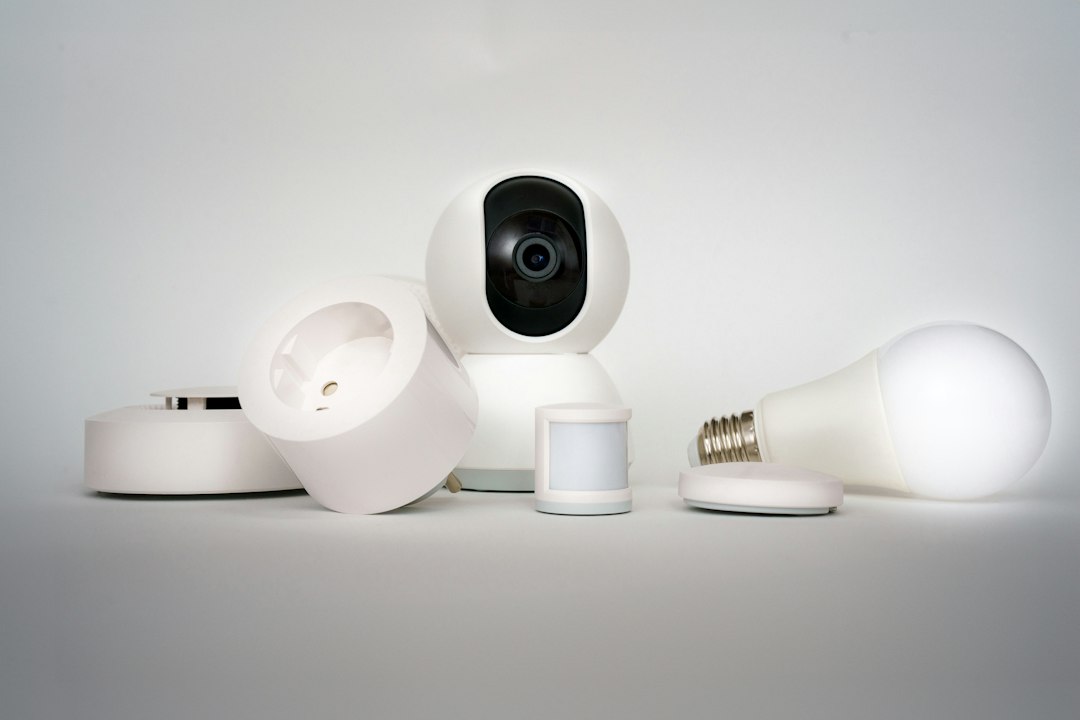
Smart gadgets are now a normal part of American homes. In Vivint’s 2026 “How We Home” survey of 5,000 US homeowners, 7 in 10 said they own up to 10 smart devices, and almost 6 in 10 said they consider their house “smart.” Smart TVs, video doorbells, smart speakers and security cameras topped the list.
But the same survey found that only 24% of homeowners fully trust their devices when it comes to privacy. That’s a fair worry. Every connected camera, plug and speaker is a small computer on your home network, and it needs the same basic care as your phone or laptop.
The good news is that securing a smart home doesn’t take technical skills. Here’s a simple checklist you can finish in an afternoon.
The short version: use a strong, unique password and two-factor authentication on every smart home account, keep devices updated, secure your Wi-Fi router, review camera and microphone settings, and remove devices you no longer use. Buying from brands with a good security track record makes all of this easier.
Why smart devices need protecting
Most smart home problems aren’t Hollywood-style hacks. They usually come from simple gaps, like:
- Reused passwords. If your doorbell account uses the same password as an old account that was leaked, someone can log in.
- Outdated software. Old firmware can have known security holes that were fixed in later updates.
- Weak Wi-Fi security. A router with a default password puts everything on your network at risk.
- Too much data sharing. Some devices collect more information than you’d expect, especially cameras and voice assistants.
Your smart home security checklist
- Use a unique password for every smart home account. A password manager makes this easy. Never keep the default password that came with a device.
- Turn on two-factor authentication (2FA). Ring, Google Nest, Amazon, Arlo, Wyze and most other big brands offer it. It’s the single best way to stop someone from logging in with a stolen password.
- Turn on automatic updates. Check each device’s app for a firmware or software update setting and switch it on.
- Secure your router. Change the default admin password, use WPA3 (or WPA2 if your devices are older) and update the router’s firmware. If your router is more than five years old, it may be time for an upgrade. Our guide to whether a Wi-Fi 7 router is worth it can help.
- Put smart devices on a guest network. Many routers let you create a separate network for gadgets, so a problem with a cheap smart plug can’t reach your laptop or phone.
- Review camera and microphone settings. Turn off features you don’t use, set privacy zones on cameras and check who has shared access in each app.
- Check who has access. Remove old roommates, ex-partners, dog walkers or babysitters from shared accounts when they no longer need access.
- Remove devices you no longer use. Unplugged gadgets still have accounts. Delete them from the app and factory reset anything you sell or give away.
Cameras and doorbells deserve extra care
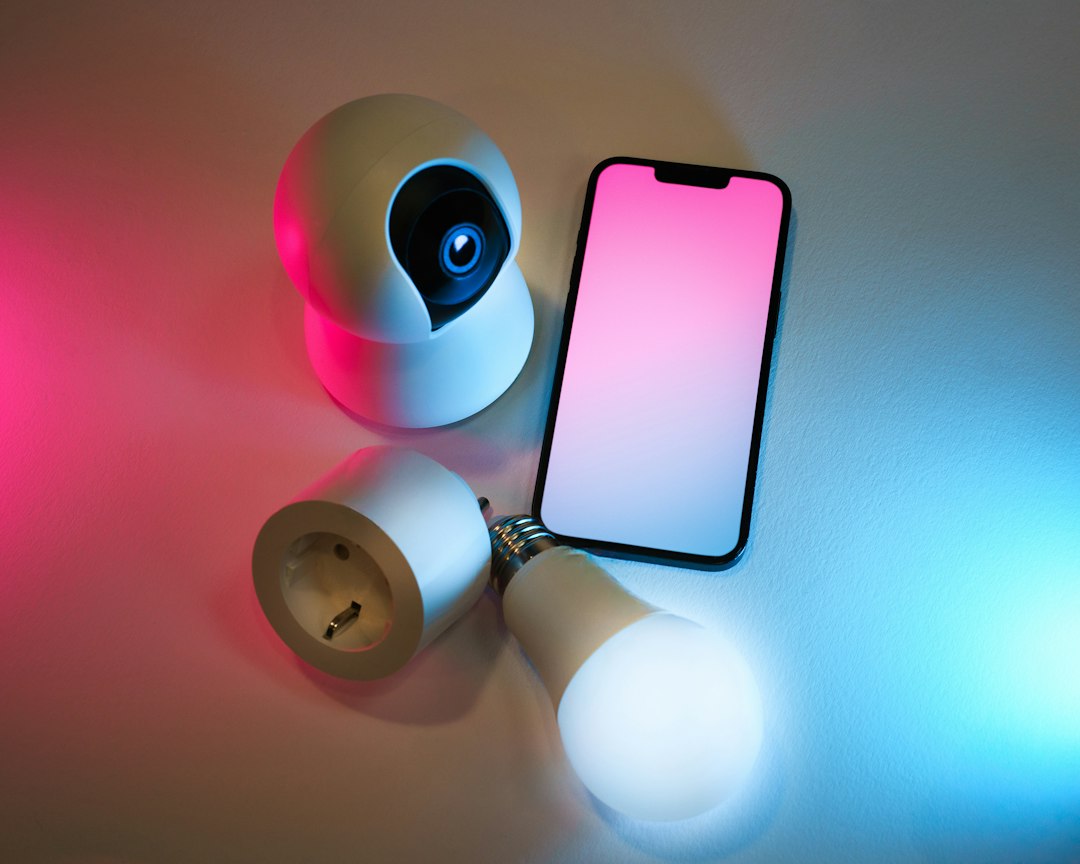
Video doorbells and security cameras were among the most popular smart home purchases in the survey, and they also capture the most personal data. A few extra steps help:
- Point cameras carefully. Avoid filming your neighbors’ windows or yards, and don’t put indoor cameras in bedrooms or bathrooms.
- Turn on end-to-end encryption if your camera brand offers it. Ring, for example, offers it as an option in its app.
- Check your recording history settings. Decide how long video clips are stored, and delete old footage you don’t need.
- Use privacy shutters or modes on indoor cameras when you’re home.
Voice assistants and smart speakers
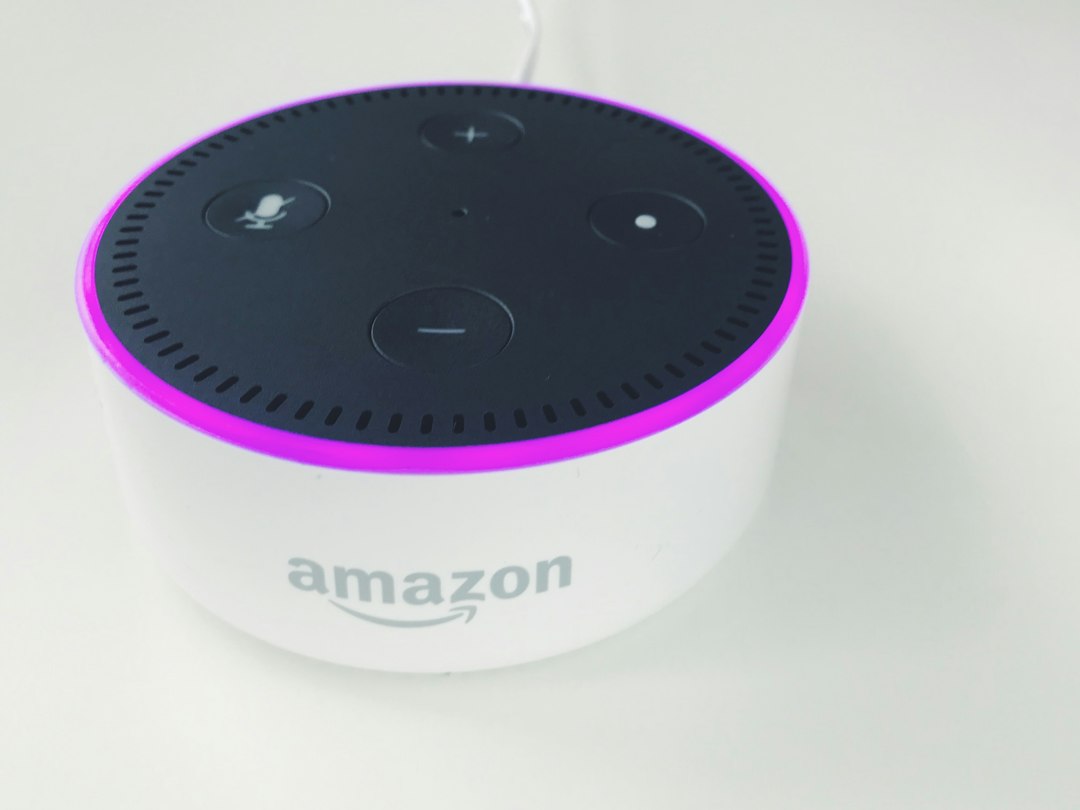
Smart speakers listen for a wake word like “Alexa” or “Hey Google.” To keep things private:
- Use the microphone mute button when you’re having private conversations.
- Review and delete your voice history in the Alexa or Google Home app, or set it to delete automatically.
- Turn on voice recognition so the assistant can tell who’s speaking, and add a PIN for purchases.
How to shop for more secure smart devices
- Buy from well-known brands that promise regular security updates for a set number of years.
- Look for Matter support. Matter is a newer smart home standard designed with security in mind, and it lets devices from different brands work together.
- Look for the US Cyber Trust Mark. This is a government-backed label for connected devices that meet basic security standards. Expect to see it on more products over time.
- Be careful with very cheap, no-name gadgets. They may stop getting updates quickly, or never get them at all.
New to smart home tech? Start with our smart home guide for beginners and our explainer on what smart plugs can do.
Shop security-friendly smart home gear on Amazon
- Video doorbells
- Indoor security cameras with privacy mode
- Matter-compatible smart plugs
- Wi-Fi 6E and Wi-Fi 7 routers
- Mesh Wi-Fi systems
As an Amazon Associate, Latest In Trend earns from qualifying purchases. Prices and availability change often, so check the current price on Amazon.
The bottom line
Smart home devices make life easier, but each one is another door into your home network. Strong passwords, two-factor authentication, regular updates and a secure router handle most of the risk. Set aside an hour to go through the checklist above, and repeat it once or twice a year. And if you’re shopping this holiday season, our list of smart home gifts under $50 sticks to trusted brands.
Survey figures come from Vivint’s 2026 How We Home report (5,000 US homeowners, conducted by OnePoll). Features and settings vary by brand and change over time, so check your device maker’s app and help pages for current options.


Leave a Reply