

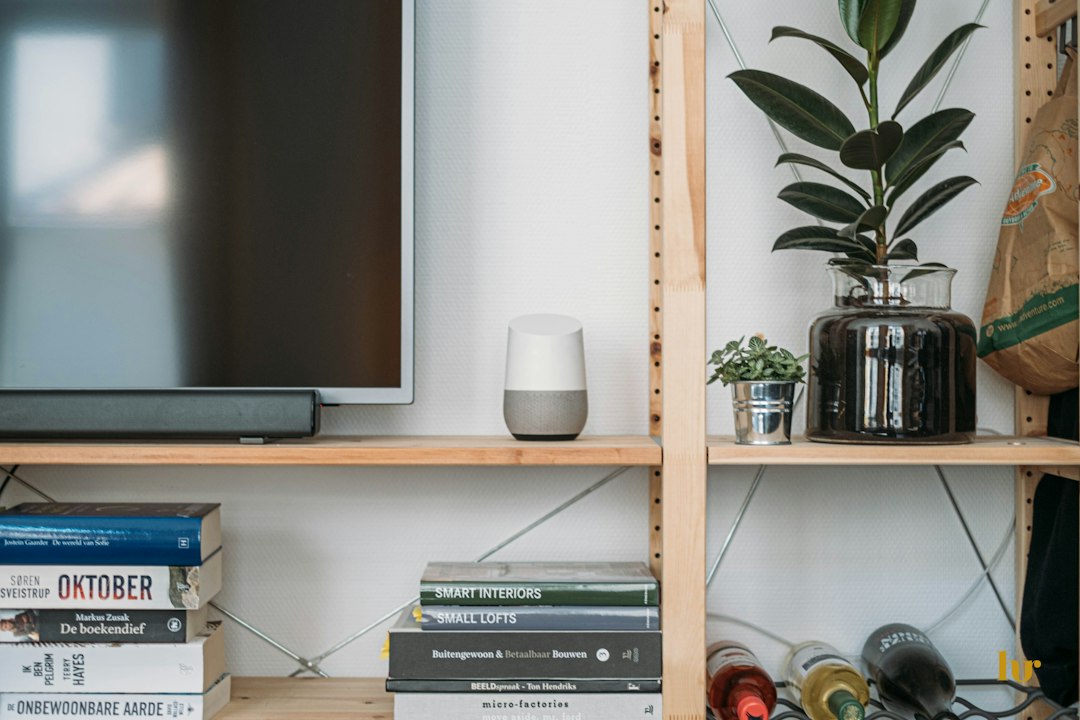
Picture this: it’s a cold winter evening, you walk through the door, and the lamps are already glowing and the heating’s warm. Nice, right? That’s the promise of a smart home.
Now picture the other version: a drawer full of gadgets, five different apps, and a smart bulb that stopped responding three weeks ago. Plenty of people end up there, and it’s almost always down to a few decisions made on day one. Let’s get those right.
The short version: pick one ecosystem that matches your phone, look for the Matter logo on anything new, and start with a couple of smart plugs or bulbs in the room you use most. Add more only once you know what you actually use.
Step 1: Choose your “team”
Your ecosystem is the app and voice assistant that runs everything. Think of it as picking a team. There are three big ones:
- Amazon Alexa: works with the most devices, and Echo speakers are often on sale. A safe bet if you want choice and low prices.
- Google Home: brilliant at answering questions and a natural fit if your life already runs on Android, Gmail and Google Calendar.
- Apple Home: strong on privacy and wonderfully smooth on an iPhone. You’ll need a home hub, like an Apple TV or HomePod, for remote control and automations.
Not sure? Match your phone. iPhone people usually do best with Apple Home or Alexa; Android people with Google Home or Alexa. And ask the rest of your household, since they’ll be talking to it too.
Step 2: Decode the box
Smart home packaging loves an acronym. Here’s what actually matters:
- Matter: the one to look for. It’s a shared standard backed by Amazon, Google, Apple, Samsung and others, so a Matter device works with all the big ecosystems. Less lock-in, fewer headaches.
- Thread: a low-power wireless network many Matter devices use. The more Thread devices you add, the stronger the network gets. It needs a “border router”, which is built into many newer smart speakers and hubs.
- Wi-Fi: the simplest setup with no hub needed, but dozens of Wi-Fi gadgets can clog up your home internet.
- Zigbee and Z-Wave: older, very reliable standards that need a compatible hub. You’ll still see them on lots of sensors and lighting kits.
Step 3: Your first few buys
Start small and cheap. You can always add more later, but you can’t un-spend money on a starter kit you never use.
Smart plugs: the easiest win
Plug in a lamp, fan, coffee maker or Christmas lights, and suddenly you can control them by voice, from your phone or on a schedule. Some even show how much power a device is using, which is a surprisingly fun way to find out what’s quietly eating your electricity bill.
Smart bulbs: the one people fall in love with
Dimmable lights that warm up in the evening and fade out at bedtime are the upgrade most people never want to give up. Start with the lamps you use every night. One tip that saves a lot of frustration: leave the wall switch on. Flick it off and the bulb loses power, and with it all its smarts.

A smart speaker or display
Voice control is what makes everything else feel effortless. Bonus: many newer speakers double as a hub for Matter and Thread devices. Go for a display version if you’d like a touchscreen for controls, recipes and video calls.
A smart thermostat (if you own your place)
It’s a bigger spend, but it’s one of the few smart gadgets that can genuinely pay for itself through lower heating and cooling bills. Check it works with your heating system first, and see if your energy company offers a rebate. Many do.
Step 4: Let it do the work
Automations are where the magic happens. Try a few of these in your first week:
- Lamps that switch on at sunset and off at bedtime.
- A “good morning” routine that turns on the lights and tells you the weather.
- A “heading out” command that switches everything off in one go.
- Random lamp schedules while you’re on holiday, so the house looks lived in.
Keep it secure
- Use a strong, unique password for every smart home account and turn on two-step sign-in.
- Install updates when your apps and devices ask.
- Stick to brands that release security updates, and be wary of suspiciously cheap no-name cameras.
- If your router allows it, put smart gadgets on a separate guest network.
Four ways beginners waste money
- Mixing ecosystems at random. Hello, five apps that don’t talk to each other.
- Buying the whole-house kit on day one. Start with one room.
- Forgetting about subscriptions. Many cameras and video doorbells need a monthly plan to save recordings. Check before you buy.
- Ignoring your lease. Renting? Stick to plug-in gadgets that don’t need rewiring.
Ready to start?
Pick your team, look for Matter, and grab a couple of smart plugs or bulbs for the room you spend the most time in. Live with them for a few weeks, then build from there. We’ll be sharing specific product picks and buying guides in our Smart Home section, so stay tuned.



Leave a Reply