

Opened your electric bill lately and winced? You’re not alone. Electricity prices across the US have been climbing, and heating and cooling alone make up a big chunk of what most households pay. The good news is that a few affordable smart home gadgets can trim that bill without making your home any less comfortable.
This guide covers the smart devices that genuinely save energy, roughly what they cost, and the free habits that make them work even better. No solar panels or major renovations required.
Biggest wins first: a smart thermostat (heating and cooling are usually your largest energy cost), LED smart bulbs, and smart plugs to cut “phantom” power from electronics on standby. Then check your utility’s website for rebates, which can cover a big part of the cost.
Where your electricity actually goes
Before buying anything, it helps to know what’s using the most power. In a typical American home, heating and cooling is the biggest slice, followed by water heating, appliances, lighting and electronics. That’s why a smart thermostat usually delivers more savings than any other single gadget.
Tip: many utilities now offer free online tools that show your usage by day or even by hour. Log into your account and take a look. Spikes often reveal habits you didn’t know you had.
1. Smart thermostat: the biggest saver
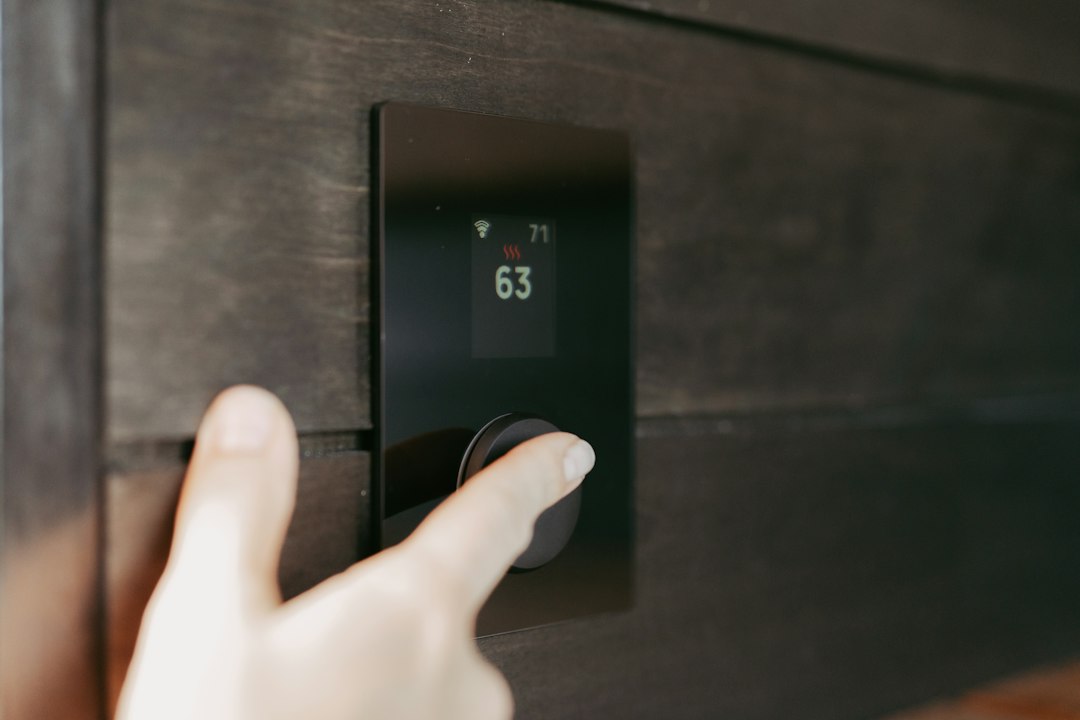
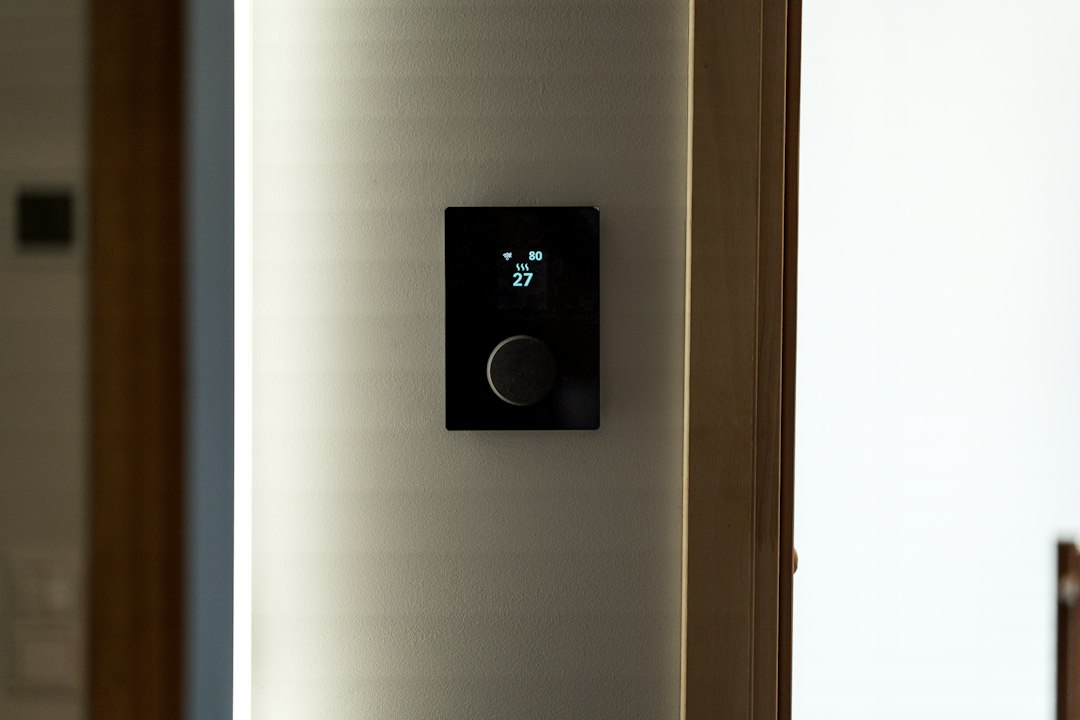
A smart thermostat learns your schedule, turns the temperature down when nobody’s home and can be adjusted from your phone. According to ENERGY STAR, certified smart thermostats save the average household about 8% on heating and cooling bills, and some people save more depending on their habits and climate.
What it costs: roughly $100 to $250, before rebates.
Before you buy:
- Check compatibility with your heating and cooling system. Most brands have an online compatibility checker.
- Look for a C-wire (common wire). Many models need one for steady power, though some include an adapter.
- Search for rebates. Many utilities offer $50 to $100 or more off ENERGY STAR certified thermostats, and some give them away free.
Renting? Ask your landlord first. Many are happy to approve a thermostat upgrade, especially if you offer to reinstall the old one when you move.
2. LED smart bulbs: small cost, steady savings
If you still have any old incandescent bulbs, switching to LEDs is the easiest energy win there is. LEDs use at least 75% less energy than incandescent bulbs, according to the US Department of Energy, and last many times longer. Smart LEDs add schedules and motion or voice control, so lights don’t stay on in empty rooms.
What it costs: basic LEDs are a few dollars each; smart bulbs typically cost $10 to $20 each, less in multipacks.
Tip: start with the lights you use most, like the living room, kitchen and outdoor lights.
3. Smart plugs: stop paying for standby power
Many electronics keep drawing power even when they’re “off”: TVs, game consoles, cable boxes, printers and chargers. This standby or “phantom” power can add up to a noticeable amount over a year. A smart plug can cut power completely on a schedule, like overnight or while you’re at work.
What it costs: about $10 to $25 each, often less in multipacks.
Pro tip: choose plugs with energy monitoring. Seeing exactly how many watts your entertainment center uses on standby is often the push people need to change habits. Our smart plugs guide explains what to look for.
4. Smart power strips
For a desk or TV setup with several devices, a smart power strip is easier than a handful of separate plugs. Some models have outlets you can control individually, and “advanced” power strips can sense when your main device turns off and cut power to the extras automatically.
5. Smart ceiling fan controls and sensors
Ceiling fans use far less power than air conditioning. In summer, running a fan lets many people raise the thermostat a few degrees and still feel comfortable. Smart fan switches and remote controls make it easy to schedule fans or tie them to the temperature.
Door and window sensors are another underrated upgrade: some smart thermostats can pause heating or cooling when a window is left open.
Free habits that multiply the savings
Gadgets help, but these no-cost habits make a real difference too:
- Adjust your thermostat when you’re asleep or away. The Department of Energy notes you can save up to 10% a year on heating and cooling by turning the thermostat back 7 to 10 degrees for 8 hours a day.
- Wash clothes in cold water whenever possible. Heating water is a big part of a washer’s energy use.
- Check if your utility has time-of-use rates. If electricity is cheaper at certain hours, schedule your dishwasher, laundry and EV charging for off-peak times.
- Change your HVAC filter regularly so your system doesn’t work harder than it needs to.
- Close blinds on hot afternoons and open them on sunny winter days.
Don’t skip the rebates
This is the step most people miss. Before buying any energy-saving gadget, check:
- Your electric or gas utility’s website for rebates and free energy audits.
- The ENERGY STAR rebate finder, which lets you search by ZIP code.
- Utility “marketplaces,” where some companies sell discounted thermostats and smart devices to their customers.
How much can you realistically save?
It depends on your home, climate and habits, but combining a smart thermostat, LED lighting and a few smart plugs is one of the most practical ways to cut your bill without sacrificing comfort. Start with the thermostat, add the others over time, and keep an eye on your monthly usage to see what’s working.
New to smart home tech? Start with our smart home for beginners guide so everything you buy works together.
Savings estimates come from ENERGY STAR and the US Department of Energy and vary by household. Check current prices and rebates in your area before buying.


Leave a Reply