
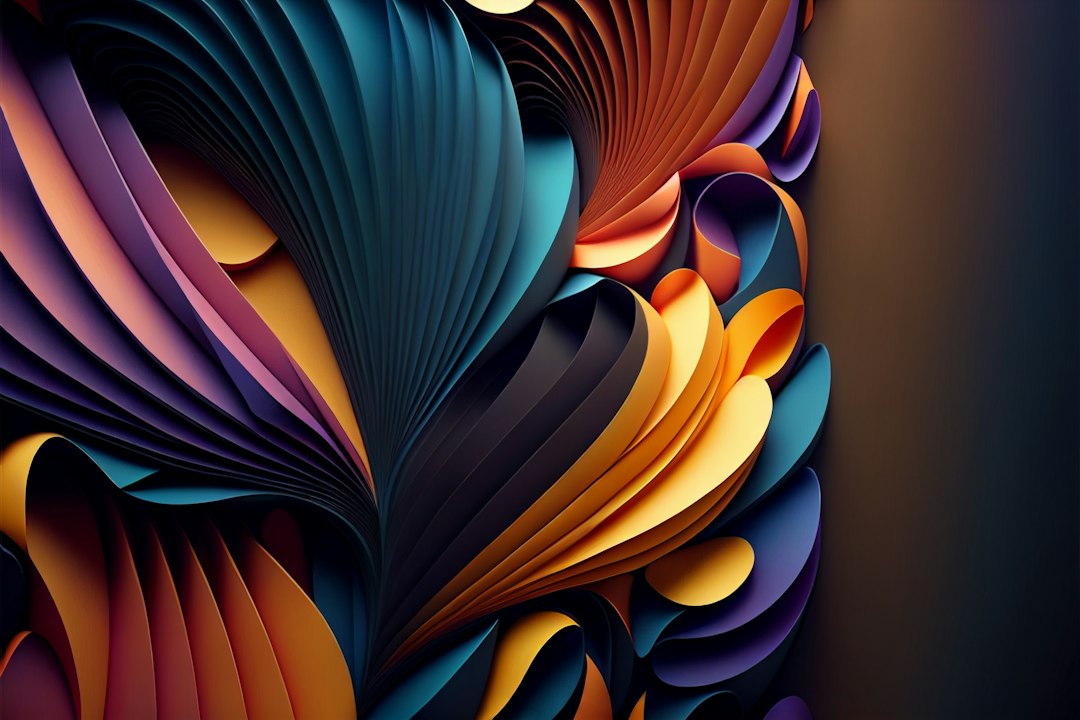
Type a sentence, wait a few seconds, and get a brand-new image. The first time you try an AI image generator, it genuinely feels like magic. The second time, you often get a person with seven fingers. Welcome to AI art.
This guide covers how these tools work, what they’re good for, and the simple prompt habits that turn “meh” results into images you’ll actually want to use.
Top tip: describe your image like you’re briefing a photographer or illustrator: the subject, the setting, the style, the lighting and the mood. The more specific you are, the better the result.
How AI image generators work (simply put)
These tools are trained on huge numbers of images paired with descriptions. Over time, they learn which visual patterns go with which words. When you type a prompt, the AI starts from random visual “noise” and gradually shapes it, step by step, into an image that matches your description.
That’s why the same prompt gives you different images each time, and why tiny changes in wording can change the result a lot.
Where to try one
You’ve probably already got access to one. Many general AI assistants, such as ChatGPT and Gemini, can create images right in the chat. There are also dedicated tools like Midjourney and Adobe Firefly, and design apps like Canva have image generation built in. Most offer a free tier or trial, so you can experiment before paying anything.
What they’re great at
- Blog and social media graphics
- Mood boards and design inspiration
- Concept art, illustrations and fantasy scenes
- Backgrounds, patterns and textures
- Quick mock-ups to show an idea before hiring a designer
Where they still struggle
- Hands and small details: much better than they used to be, but extra fingers and odd objects still sneak in.
- Text inside images: improving fast, but long or exact wording can still come out jumbled.
- Consistency: getting the same character or product to look identical across many images takes extra effort.
- Exact layouts: if you need something placed precisely, a real design tool is still easier.
How to write a better prompt
Think of a prompt as a recipe with five ingredients. You don’t always need all of them, but the more you include, the more control you have:
- Subject: what’s in the picture? (“a golden retriever puppy”)
- Setting: where is it? (“on a sunny beach at sunset”)
- Style: photo, watercolor, 3D render, flat illustration, oil painting?
- Lighting and mood: soft morning light, dramatic shadows, cozy, moody, cheerful?
- Framing: close-up, wide shot, from above, landscape or square?
So instead of “a dog”, try: “A fluffy golden retriever puppy running on a sunny beach at sunset, warm golden light, playful mood, photographed from a low angle, shallow depth of field.” The difference is usually dramatic.
More quick tips
- Iterate: treat the first result as a draft. Ask for changes like “make it brighter” or “zoom out”.
- Generate several versions and pick the best one.
- Say what you don’t want if the tool supports it, for example “no text” or “no people”.
- Keep a prompt notebook of the phrases that work for you.
Can you use AI images commercially?
It depends on the tool and your plan. Some services allow commercial use on paid tiers; others have more restrictions. Read each tool’s terms before using images in ads, products or client work. Also avoid prompts that copy a living artist’s style or include real people, logos or trademarked characters. That’s where legal and ethical problems tend to start.
The bottom line
AI image generators are fun, fast and genuinely useful, especially for content creators and small businesses that need visuals on a budget. Start with a free tool, practice writing detailed prompts, and always give results a careful once-over before you publish. We’ll be comparing popular image tools head to head in our AI Image & Video section.

Leave a Reply