

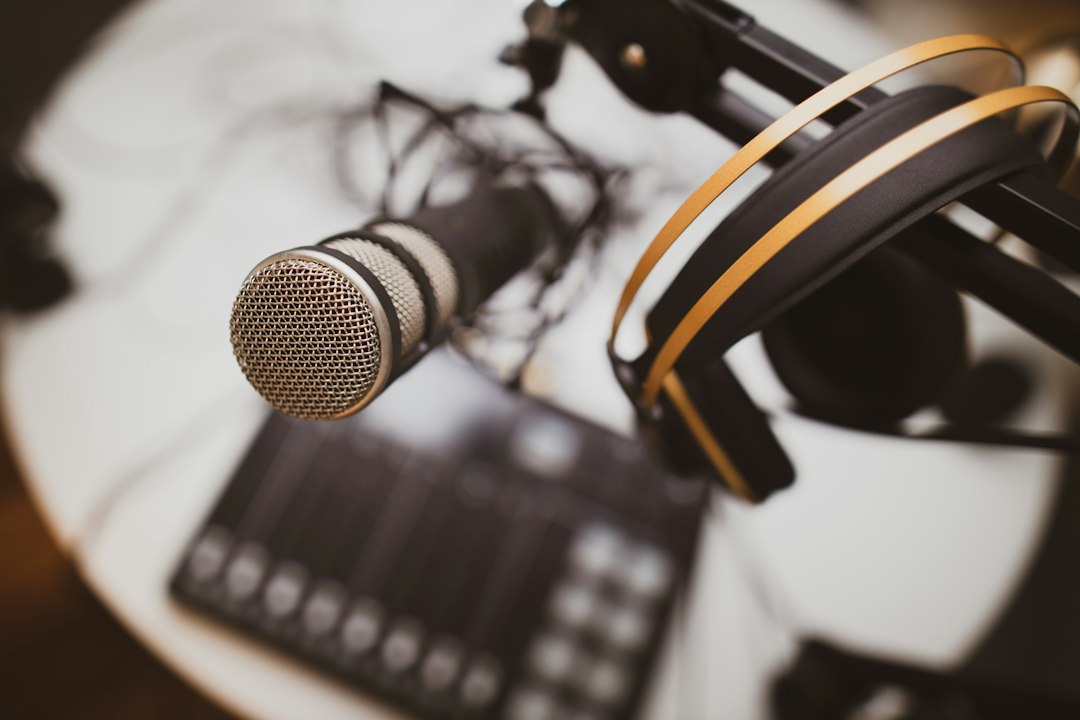
Podcast microphones are one of the fastest-growing gift searches of 2026, up about 115% according to Google. That makes sense: more people are starting podcasts, streaming, making YouTube videos and spending hours on video calls. The good news is you don’t need a studio to sound great. The right beginner mic makes a bigger difference than almost any other upgrade.
This guide explains what to look for in a podcast microphone for beginners, then lists well-reviewed options at every budget. We haven’t lab-tested these mics ourselves; our picks are based on specs, brand track record and what creators and reviewers consistently recommend.
Short answer: most beginners should get a dynamic USB microphone. Dynamic mics pick up less background noise than condenser mics, which matters in an untreated bedroom or home office. A USB mic plugs straight into your computer, so there’s no extra gear to buy. Choose a model that also has an XLR port if you think you might upgrade later.
🎙️ Our top picks at a glance
| Microphone | Best for | Shop |
|---|---|---|
| Samson Q2U | Best value starter (USB + XLR) | View on Amazon |
| FIFINE AM8 | Tightest budget | View on Amazon |
| Audio-Technica ATR2100x-USB | Solid all-rounder | View on Amazon |
| RØDE PodMic USB | Rich broadcast sound | View on Amazon |
| HyperX QuadCast | Gamers and streamers | View on Amazon |
| Shure MV7+ | Premium, won’t outgrow it | View on Amazon |
What to look for in a podcast microphone
Dynamic vs condenser
Dynamic mics focus on sound close to the mic and reject more room echo and noise. They’re the standard for podcasts and streaming at home. Condenser mics capture more detail but also more of your room, including keyboard clicks, traffic and echo. They shine in quiet, treated rooms.
USB vs XLR
USB mics plug directly into a computer and are the easiest way to start. XLR mics need an audio interface or mixer, which adds cost but gives more control and room to grow. Hybrid mics with both USB and XLR outputs give you the best of both.
Helpful extras
- Headphone jack for zero-latency monitoring, so you can hear yourself while recording.
- Mute button or tap-to-mute, handy for live streams and calls.
- Included stand or boom arm. A boom arm keeps the mic close to your mouth, which is the single best trick for clear audio.
- USB-C for modern laptops, tablets and some phones.
Best budget podcast microphones
Samson Q2U
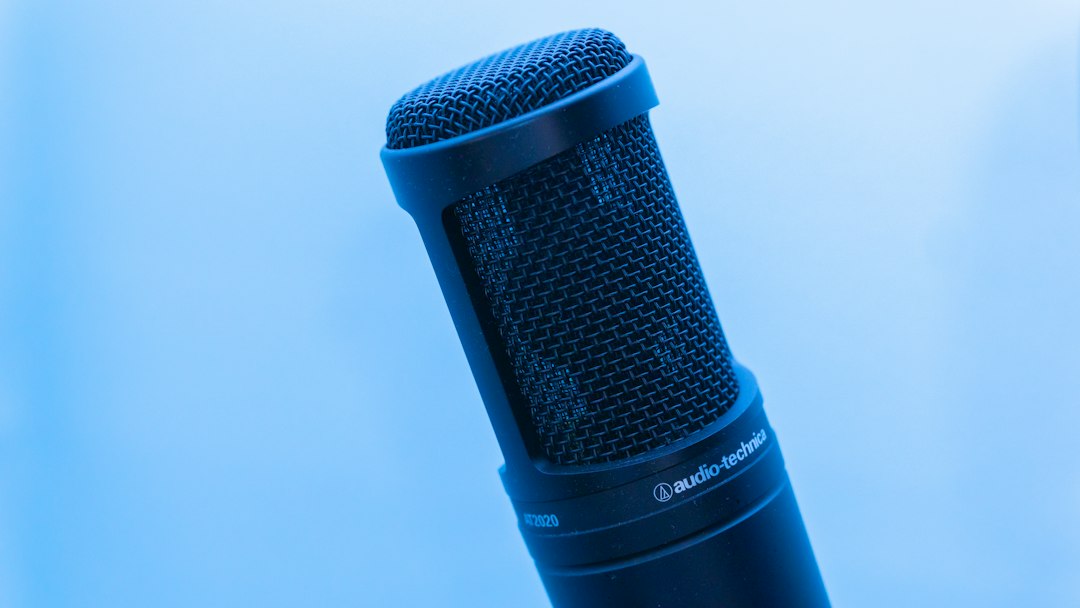
A long-time favorite for first-time podcasters. It’s a dynamic mic with both USB and XLR outputs plus a headphone jack, so it works on day one and still fits into a bigger setup later. It’s often recommended as the best value starter mic.
Check the Samson Q2U on Amazon
FIFINE AM8
Another affordable USB and XLR dynamic mic, popular with new streamers. It adds RGB lighting and a mute button, and is usually one of the cheapest hybrid dynamic mics you’ll find.
Check the FIFINE AM8 on Amazon
Best mid-range podcast microphones
Audio-Technica ATR2100x-USB
A sturdy dynamic mic from a respected audio brand, with USB-C, XLR and a headphone jack. It’s a step up in build quality and a safe pick for interviews and solo shows.
Check the ATR2100x-USB on Amazon
RØDE PodMic USB
Built specifically for podcasting, with a rich, broadcast-style sound and both USB-C and XLR outputs. It’s heavy and solid, so pair it with a boom arm rather than a small desk stand.
Check the RØDE PodMic USB on Amazon
HyperX QuadCast series
A popular gaming and streaming mic with eye-catching lighting, tap-to-mute and a built-in shock mount. Note that it’s a condenser mic, so it suits quieter rooms best. Gamers love it as a gift.
Check HyperX QuadCast mics on Amazon
Best premium pick
Shure MV7+
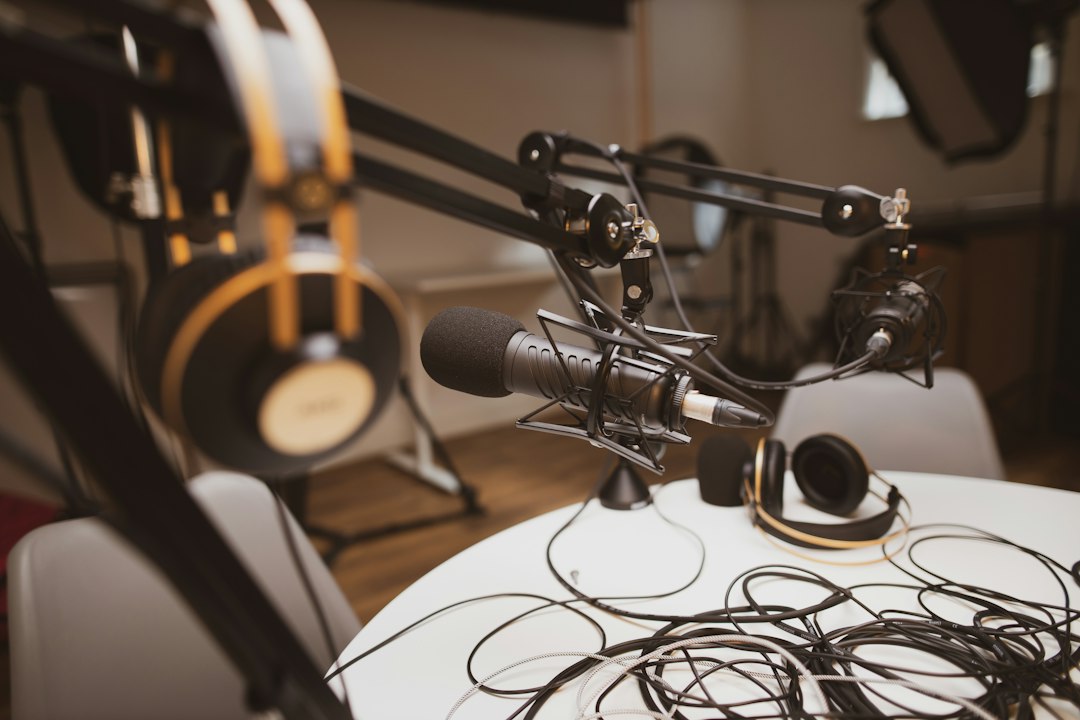
Shure’s podcast mic takes design cues from the legendary SM7B but adds USB-C and XLR, a touch panel and companion software with helpful auto-level features. If you want one mic you won’t outgrow, this is a popular choice among serious creators.
Check the Shure MV7+ on Amazon
Recording on the go? Try a wireless mic
If you film video podcasts, vlogs or short-form videos on your phone, a small clip-on wireless mic kit like the DJI Mic Mini or RØDE Wireless GO may be a better fit than a desk mic. Most kits include two transmitters for interviews.
See wireless mic kits on Amazon
Accessories that make a big difference
- Boom arm: gets the mic close to your mouth and off your desk. See boom arms
- Pop filter or foam windscreen: softens harsh P and B sounds. See pop filters
- Closed-back headphones: stop your audio from bleeding into the mic. Our headphone buying guide explains the options, though wired headphones are best for monitoring.
Tips to sound better on day one
- Stay close. Keep a dynamic mic about 2 to 4 inches from your mouth.
- Soften the room. Curtains, rugs, a bookshelf or even recording in a closet cuts echo.
- Set your levels. Aim for your loudest moments to peak below the red.
- Use AI tools to clean up. Free and paid AI audio tools can remove noise and balance volume. See our guide to AI video tools for beginners if you’re making video podcasts too.
Shop podcast gear on Amazon
- USB podcast microphones
- Podcast mic bundles with boom arm
- Wireless clip-on mics
- USB audio interfaces (for XLR mics)
As an Amazon Associate, Latest In Trend earns from qualifying purchases. Prices and availability change often, so check the current price on Amazon.
The bottom line
For most beginners, a dynamic USB mic with an XLR option, like the Samson Q2U or ATR2100x-USB, is the sweet spot. Spend more on the RØDE PodMic USB or Shure MV7+ if you’re serious, and add a boom arm whatever you choose. Shopping for someone else? These mics are also on our list of trending gifts for 2026, and Black Friday on November 27 is a good time to compare prices.


Leave a Reply