

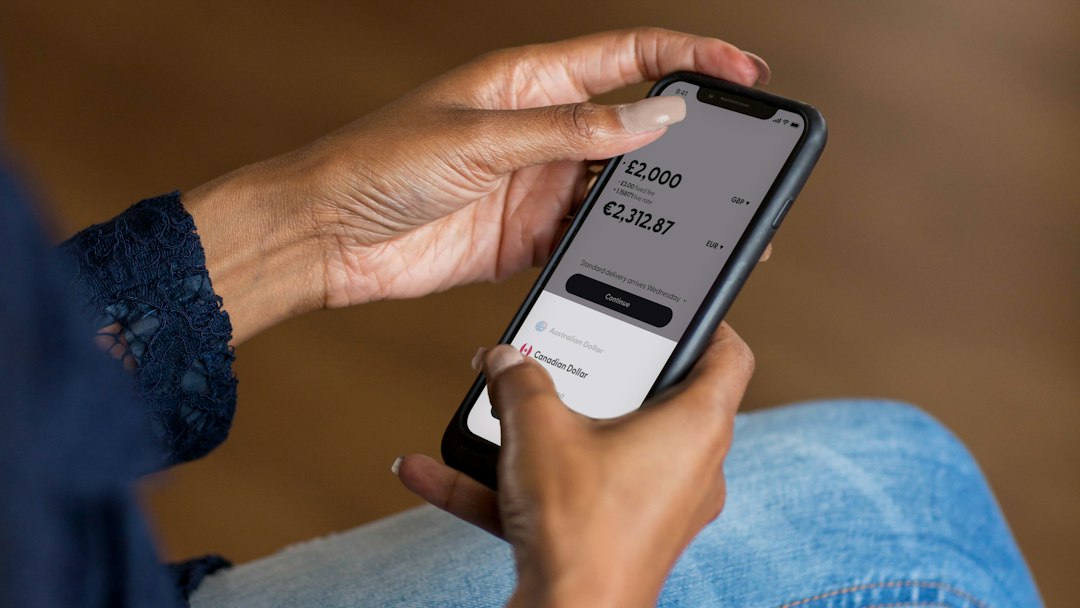
AI assistants are moving into a very personal area: your money. In November 2026, Anthropic launched a Personal Finance beta for Claude that can read your bank and card accounts, following OpenAI, which began previewing finance features in ChatGPT earlier in the year. The pitch is simple: ask questions about your spending in plain English and get instant answers.
But should you connect your bank account to an AI chatbot? Here’s what these tools can do, how they work and what to think about before you link anything.
The short version: AI finance assistants can read your balances and transactions and answer questions like “How much did I spend on food last month?” Claude’s version is read-only and can’t move money. They can be genuinely useful for spotting waste and understanding your spending, but only connect accounts if you’re comfortable with the privacy trade-off, and always double-check important numbers with your bank.
What AI money assistants can do
Based on Anthropic’s announcement and early coverage, Claude’s Personal Finance feature can:
- Show balances and up to two years of transactions from accounts you connect
- Answer questions like “What did I spend on subscriptions this year?” or “How much is left before payday?”
- Break down monthly spending by category and compare it with earlier months
- Flag duplicate charges, unexpected fees and bills that have crept up
- Explain money terms, like what APR means on your credit card
The feature is read-only. Anthropic says it can’t move, manage or invest your money. It’s available in beta to Claude Pro, Max and Ultra subscribers in the US.
OpenAI has also been testing a personal finance assistant in ChatGPT, first as a limited US preview for Pro subscribers, that links accounts in a similar way.
How the connection works
Both tools use Plaid, a service many popular finance apps already use to connect to banks. You sign in to your bank through Plaid and approve read-only access. According to Anthropic, Claude never sees your bank password, you choose which accounts to connect and you can unlink them at any time.
The benefits
- It’s fast. Instead of scrolling through statements, you just ask.
- It finds things you miss. Forgotten subscriptions, price increases and duplicate charges are easy to overlook.
- It explains things clearly. If a fee or a term confuses you, you can ask follow-up questions.
- It can help you build a budget. Ask it to suggest a monthly budget based on what you actually spend. For a step-by-step method, see our guide to making a budget that sticks.

The risks and limits
- Privacy. You’re sharing detailed financial data with an AI company. Read the privacy policy. Anthropic says conversations in its Personal Finance area aren’t used to train its models, but policies differ between companies and can change.
- Mistakes. AI can misread or miscategorize transactions. Check anything important, like a balance before a big payment, directly with your bank.
- Not financial advice. These tools can describe your spending, but they aren’t licensed financial advisors. For big decisions like investing or debt consolidation, talk to a qualified professional.
- Account security. Your AI account now holds sensitive data, so use a strong, unique password and turn on two-factor authentication.
Questions to ask before you connect
- Is the access read-only, or can the tool move money?
- Can I choose which accounts to connect, and can I disconnect them easily?
- Is my financial data used to train AI models?
- Where is my data stored, and how long is it kept?
- Do I actually need this, or does my bank’s app or a budgeting app already do the job?
A middle ground: use AI without linking accounts
You don’t have to connect your bank to get help. You can:
- Export a statement as a spreadsheet, remove account numbers and personal details, then ask AI to categorize your spending.
- Describe your situation in general terms, like “I earn $4,000 a month and spend $1,500 on rent. Help me plan a budget.”
- Use a dedicated budgeting app with AI features. Our guide to the best budgeting apps compares several options.
The bottom line
AI money assistants are a helpful new way to understand where your money goes, and read-only access lowers the risk. Still, start slowly: connect one account, see if it’s useful and keep your bank as the final source of truth. Not sure which assistant to use? Read our comparison of ChatGPT vs Claude vs Gemini.
Feature details come from Anthropic’s November 2026 announcement and tech news coverage. Features, plans and availability may change. This article is general information, not financial advice.



Leave a Reply