


Short answer: If GTA 6 is not working on launch day, first check whether it has actually unlocked in your region yet, then make sure the latest game update has fully installed. Most other problems, such as a padlock icon or a license error, are fixed by restoring licenses on PS5 or checking your order history on Xbox.
GTA 6 releases on November 19, 2026, for PS5 and Xbox Series X|S. With millions of people downloading at once, small hiccups are normal. Below are the most common problems and the official fixes from Sony, Microsoft and Rockstar.
Quick fix finder
| Problem | Most likely cause | First fix |
|---|---|---|
| Game shows as locked | Not unlocked in your region yet | Check the store page for your unlock time |
| Padlock icon on PS5 | License problem | Restore Licenses |
| Stuck download or install | Busy servers or a queued update | Pause and resume, then restart |
| Xbox says you don’t own it | Pre-order payment failed or was canceled | Check Order history |
| Not enough space | Game needs up to 212 GB | Free up internal storage |
1. Check the unlock time first
According to Rockstar’s support page, GTA 6 releases at midnight local time on November 19 in all regions. However, some reports say US store listings unlock at midnight Eastern, which would be 9 p.m. Pacific on November 18. Therefore, look at the game’s page in the PlayStation Store or Microsoft Store to see the exact time for your account. Microsoft also notes that play usually starts shortly after midnight, and there may be a short delay in some zones.
Xbox One owners are different. They play through Xbox Cloud Gaming, which starts at 1 a.m. ET on November 19, according to Xbox. See our GTA 6 on Xbox One guide for details.
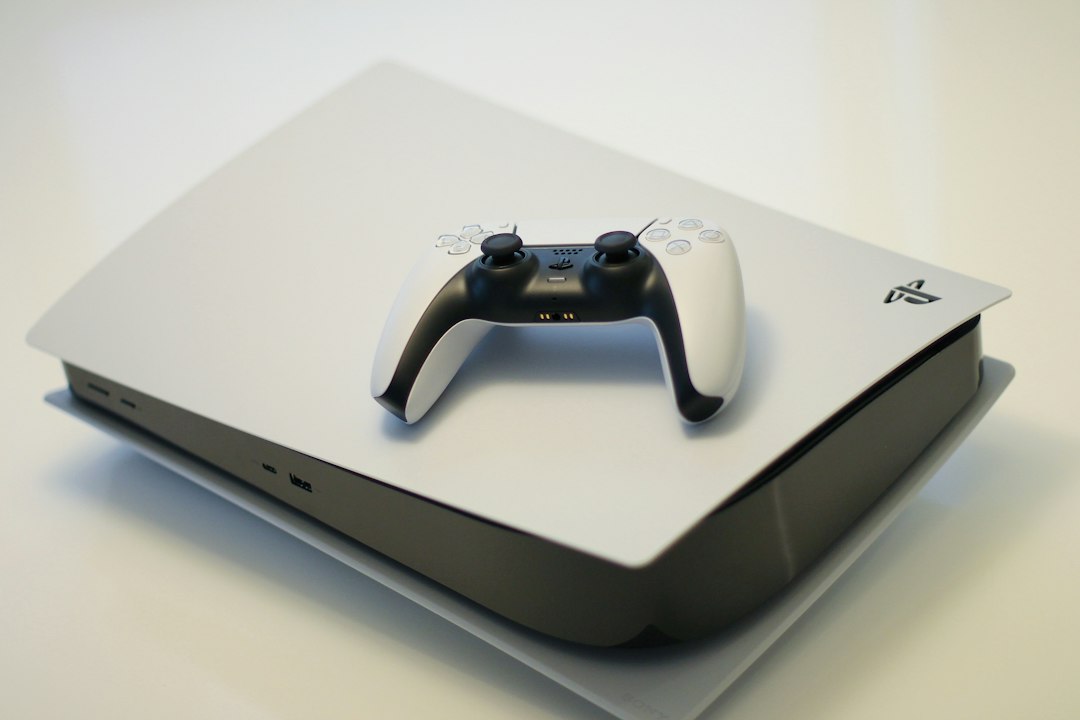
2. PS5: game is locked or shows a padlock
Sony says a padlock can mean there is a problem with the game’s license. To fix it, go to Settings > Users and Accounts > Other > Restore Licenses. In addition, make sure you are signed in with the same account that bought the game. If you share your console, setting it as your primary console (Console Sharing and Offline Play) also helps digital games launch.
3. PS5: download or update is stuck
Sony’s own troubleshooting steps for stuck downloads are:
- Check the PlayStation Network status page for outages.
- Update your PS5 system software (Settings > System > System Software).
- Go to Downloads/Uploads, then pause and resume the download.
- Test your connection in Settings > Network > Connection Status.
- As a last step, start in Safe Mode and choose Clear Cache and Rebuild Database.
Rockstar released small pre-launch updates in the days before release, so make sure the newest one has finished. Reports put the November 16 update at about 602 MB on PS5.
4. Xbox: download stopped or stuck in the queue
Microsoft says a stopped download can mean the game needs an update first. Open My games & apps > Manage > Queue, then resume the installation. Meanwhile, quit any game that is running in the background, because it can slow the install. A wired connection usually helps too.
5. Xbox: “You don’t own this game”
Microsoft says this usually means the pre-order was canceled or your payment method could not be charged in time. Check Payment & billing > Order history on your Microsoft account. Importantly, if the store shows a price instead of an Install button, do not buy again until you have checked, or you may be charged twice.
6. Not enough storage
Rockstar says GTA 6 needs up to 212 GB of free space, depending on your console. On PS5, games cannot run from a USB drive, so they must be on the internal drive or an M.2 SSD. Similarly, on Xbox Series X|S the game must run from internal storage or a Storage Expansion Card. Our GTA 6 file size guide explains your options.
Compare PS5 M.2 SSDs on Amazon
7. Still not working? Power cycle
Shut the console down completely (not rest mode), unplug it for about two minutes, then turn it back on. This clears temporary glitches and does not delete your saves. Finally, if nothing helps, contact PlayStation Support, Xbox Support or Rockstar Support.
Official status pages to check
- Rockstar service status: support.rockstargames.com/servicestatus
- PlayStation Network status: status.playstation.com
- Xbox status: support.xbox.com/en-US/xbox-live-status
As of November 18, these pages showed no widespread GTA 6 problems. Busy launch nights can change that quickly, though, so check them first before changing settings.
New to the game? Read our GTA 6 beginner tips and the GTA 6 reviews roundup.
FAQ
Why does GTA 6 say locked?
Usually because it has not unlocked in your region yet. Check the store page for the exact unlock time. On PS5, a padlock can also mean a license problem, which Restore Licenses fixes.
Does GTA 6 need the internet?
Store listings describe it as a single-player experience, but you need a connection to download the game, install updates and verify a digital license.
How much space does GTA 6 need?
Rockstar says up to 212 GB of free space, depending on your console.
Is GTA 6 down right now?
Check the Rockstar service status page, PlayStation Network status and Xbox status pages for live information.
Storage and setup on Amazon
PS5 M.2 SSDs | Xbox expansion cards | Ethernet cables
As an Amazon Associate, Latest In Trend earns from qualifying purchases, at no extra cost to you.
Sources: Rockstar Games support (release times, storage), Sony and Microsoft support guidance as compiled by OutputLag and Windows Forum, and Tech Times (update sizes). Checked November 18, 2026.


Leave a Reply